
Lightyear Frontier Guide: 1.0 Crops, Map & Automation
A complete Lightyear Frontier guide for 1.0: first-week priorities, crop rotation, base sites, nickel and steel routes, automation and the new ending.
Lightyear Frontier 1.0 is a different game from the Early Access build most guides still describe. Automation now starts at Milestone 4, the mech levels tools and modes separately, two regions were added, and the campaign has an ending. This guide is the map of the site: it tells you what to do in the first week, which numbers matter, and which page answers the next question.
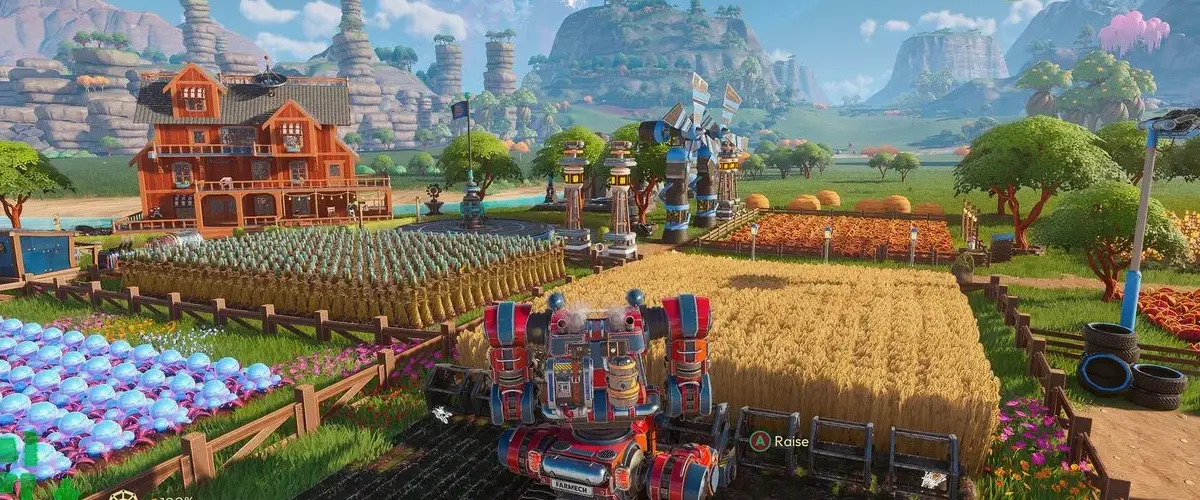
What should you do first in Lightyear Frontier?
Land, scan the immediate area, and build toward the first Resource Delivery Cannon. The cannon is the backbone of every milestone: it turns farm output into delivery credit, and delivery credit unlocks the build menu. Do not spend the first hour decorating.
A practical first-week order:
| Priority | Task | Why it matters |
|---|---|---|
| 1 | Clear slime around the landing site | Opens buildable ground and drops early resources |
| 2 | Plant Wheat in the three soil types | Teaches the Nitrogen / Phosphorus / Potassium cycle |
| 3 | Build the Delivery Cannon and ship the first harvest | Starts milestone progress |
| 4 | Craft the Spike Saw and Seed Shooter upgrades | Cuts tree and planting time |
| 5 | Place a Water Reservoir near the farm | Watering Drones need a buffer |
| 6 | Reach Milestone 4 and lay the first Automation Pipe | Removes manual crafting from the loop |
| 7 | Pick a permanent base site | Moving later costs a full rebuild |
The full opening walkthrough, including controls and the first three milestones, is in the beginner guide →. If you only read one other page, read that one.
What changed in 1.0 that affects a new save?
Four changes reshape the early game:
- Automation moved to Milestone 4. The old Automator is gone; Automation Pipes pull from Storage and feed Crafting Constructs directly.
- Storage has an Output toggle and a Resource Filter. You can dedicate a shed to one material and let pipes read it without sorting by hand.
- Inventory and storage capacity increased roughly tenfold. Loot everything; the old inventory squeeze is gone.
- The mech no longer spends Power on tools. Tool, part and mode upgrades are separate tracks, and mod slots are fewer but stronger.
The 1.0 patch breakdown → covers the two new regions, the ending, difficulty presets and the full quality-of-life list.
How does crop rotation work in 1.0?
Every crop has a soil type: Nitrogenic, Phosphoric or Potassic. After harvest, the mound's type changes. The rule is short:
- A high-yield harvest pushes the mound to the next type in the N → P → K → N loop.
- A mutated harvest pushes it to the previous type.
- A normal harvest leaves the type alone.
That means Wheat (Nitrogenic) is followed by a Phosphoric crop such as Rabbage, then a Potassic crop such as Caroot, and the mound returns to Nitrogenic. The HUD previews the next mound type before you plant, so you can confirm the chain in-game. The full chart, including the four 1.0 crops, is on the crop rotation page →.
Where should the main base go?
The best all-round site is flat ground in the western Outset Grasslands, within pipe distance of the river and a short mech run from the landing zone. It has buildable space for 20-plus crop mounds, room for Storage Sheds, and water for the Reservoir without a long pipe run.
Three viable sites, with trade-offs:
| Site | Strength | Weakness |
|---|---|---|
| Western Outset Grasslands | Flat, water, central | No native iron or red crystal |
| Frostpeak Ridge foothills | Iron, coal, red crystal on the doorstep | Cold palette, steeper build ground |
| Hexagon Valley rim | Nickel and yellow crystal nearby | Longer delivery route to the cannon |
The full scoring method and build radius are in the best base location guide →.
Which resources block progress?
Three materials cause most stalls:
- Nickel for mid-tier crafting and electronics. Look on the eastern side of the starting grassland near water, then in Hexagon Valley.
- Steel for frames, electronics and repair kits. Smelt one Iron Bar with three Coal in a Furnace once the steel milestone unlocks.
- Red Crystal for tool range, lock-on and water-tank upgrades. Mine the deposits in Frostpeak Ridge and grind the chunks into dust.
Material routes: nickel →, steel →, red crystal →. Feathers come from a different loop entirely: hatch a Swiftplume, raise it, and collect the shed feathers. See feathers →.
When should you automate?
As soon as Milestone 4 unlocks Automation Pipes, automate one thing: the item you craft most. A single Furnace fed by a Storage Shed and outputting to another shed removes more busywork than a sprawling pipe network that handles everything badly.
Build order that works:
- One Storage Shed with the ore set to Accept.
- A pipe from that shed to a Furnace.
- A second pipe from the Furnace to an output shed.
- Repeat for the Crafting Construct that makes your most-used part.
- Add a Combustion Generator only when the line is actually running dry on Energy.
The automation guide → has layout diagrams and the pipe rules. Water gets its own page because the Reservoir, Pump and Drone chain has its own failure modes: water systems →.
FAQ
Is Lightyear Frontier finished?
Yes. Version 1.0 launched on November 4, 2026, with a main-story ending. The developers have said at least one more large update is planned, but no content or date is confirmed.
Does 1.0 work with an Early Access save?
Yes. Old saves load in 1.0 and can unlock the new achievements. The mech progression is rebuilt, so expect to re-check your tool upgrade paths after loading.
How long is the 1.0 campaign?
A focused run through the milestones and the ending takes roughly 25 to 35 hours. A completion run that includes all 57 achievements, all regions and a full automation base runs considerably longer.
Is there a creative mode?
Yes. The difficulty presets include Creative, alongside Relaxed, Balanced, Challenging and a Custom option. Creative removes survival pressure and is the fastest way to test a base layout.
Sources
Checked against the Steam store page and the official 1.0 patch notes published on November 4, 2026. Values that changed in 1.0 are marked as such; Early Access numbers are not presented as current.
Official source: Steam store ↗, official site ↗, community wiki ↗.
More Lightyear Frontier Guides
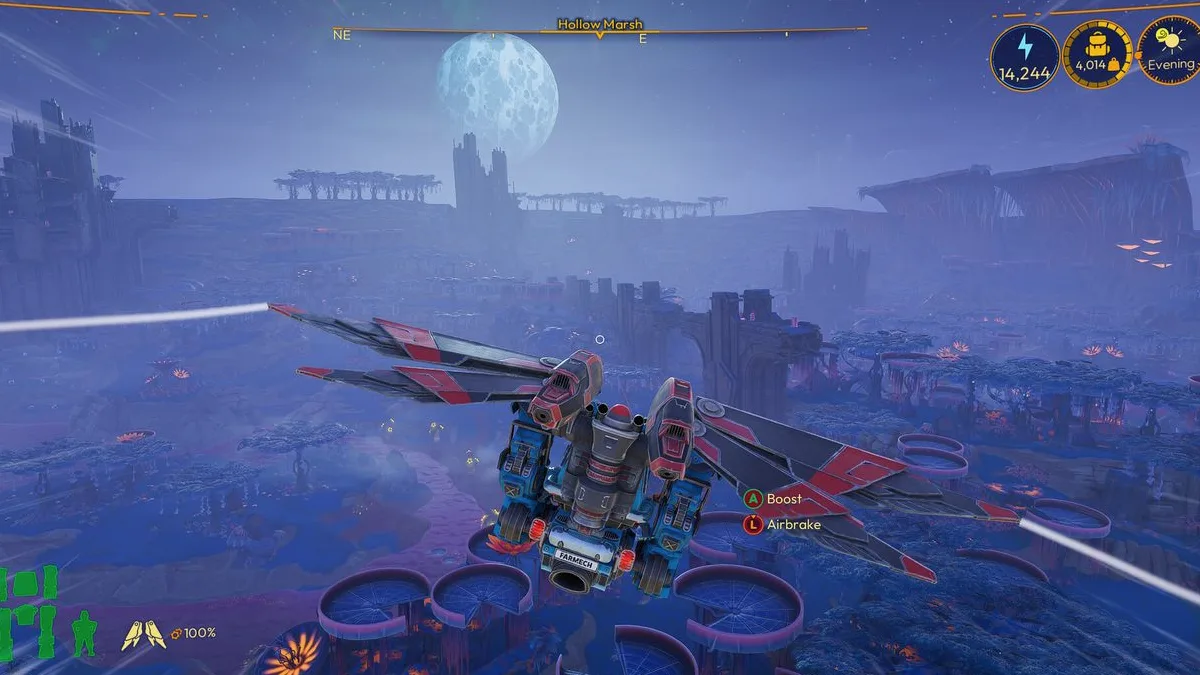
Lightyear Frontier 1.0: Release Date, Price and Changes
Lightyear Frontier 1.0 launched November 4, 2026. Here is the price, the two new regions, the ending, the mech rework and every change that matters.
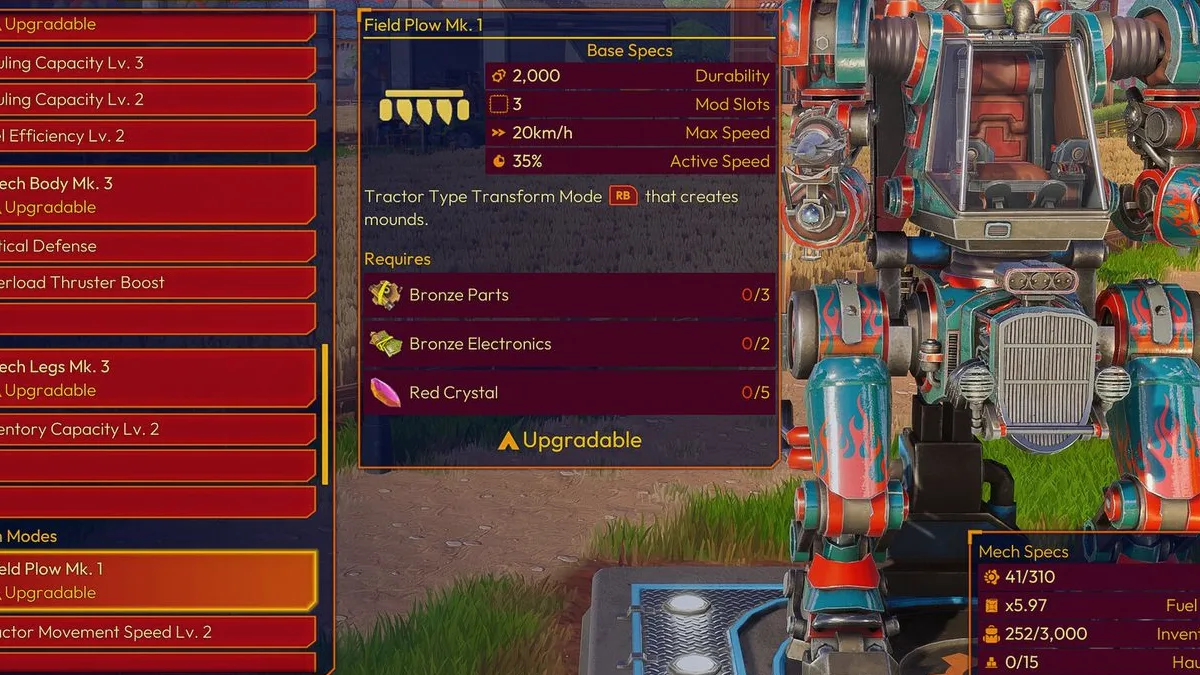
Lightyear Frontier Achievements: All 57 and How to Get Them
All 57 Lightyear Frontier achievements with unlock requirements, grouped by farming, exploration, ranching, delivery and the ending, plus a completion order.

Lightyear Frontier Automation Guide: Pipes and Layouts
How Lightyear Frontier automation works in 1.0: Automation Pipes, storage filters, three auto-recipes per construct, energy, and three layouts that work.
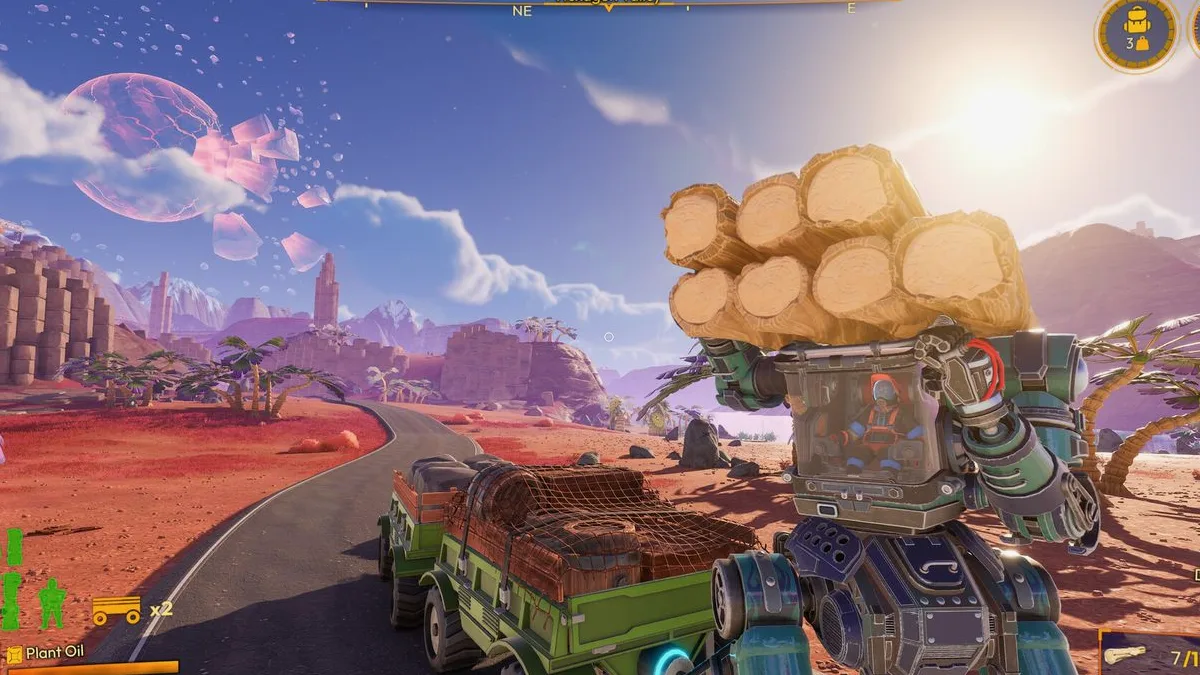
Lightyear Frontier Beginner Guide: Your First 10 Hours
A spoiler-light Lightyear Frontier beginner guide: first-hour checklist, early crops, water, fuel, mech upgrades and the mistakes that slow new farms down.
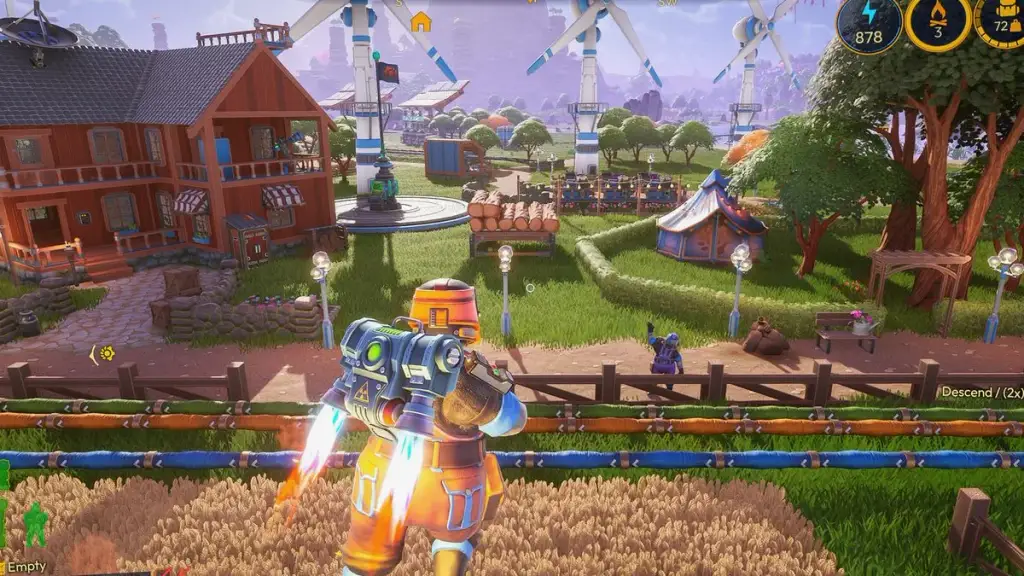
Lightyear Frontier Best Base Location: 3 Strong Sites
The best base location in Lightyear Frontier, scored on water, flat ground, resources and delivery distance, plus the best starting site and a build layout.
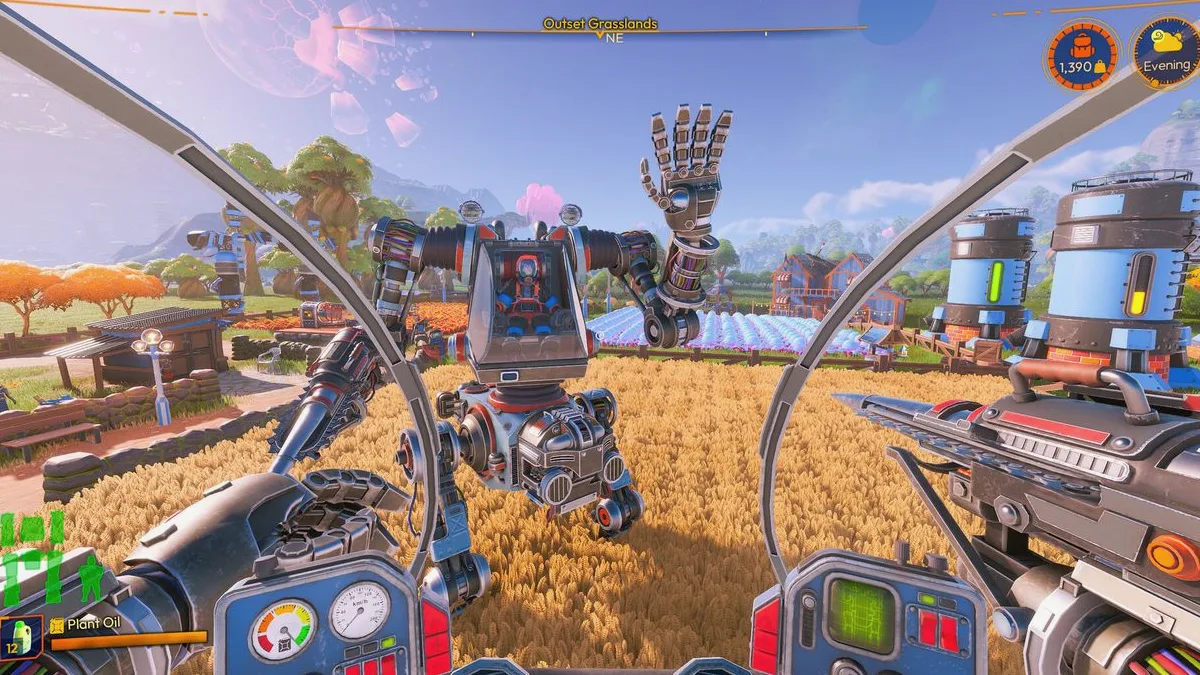
Lightyear Frontier Best Oil for Fuel: Ranked by Energy
Every Lightyear Frontier crop oil ranked by fuel value, with energy per grow day, the best early and late picks, and how the Oil Presser changes the math.
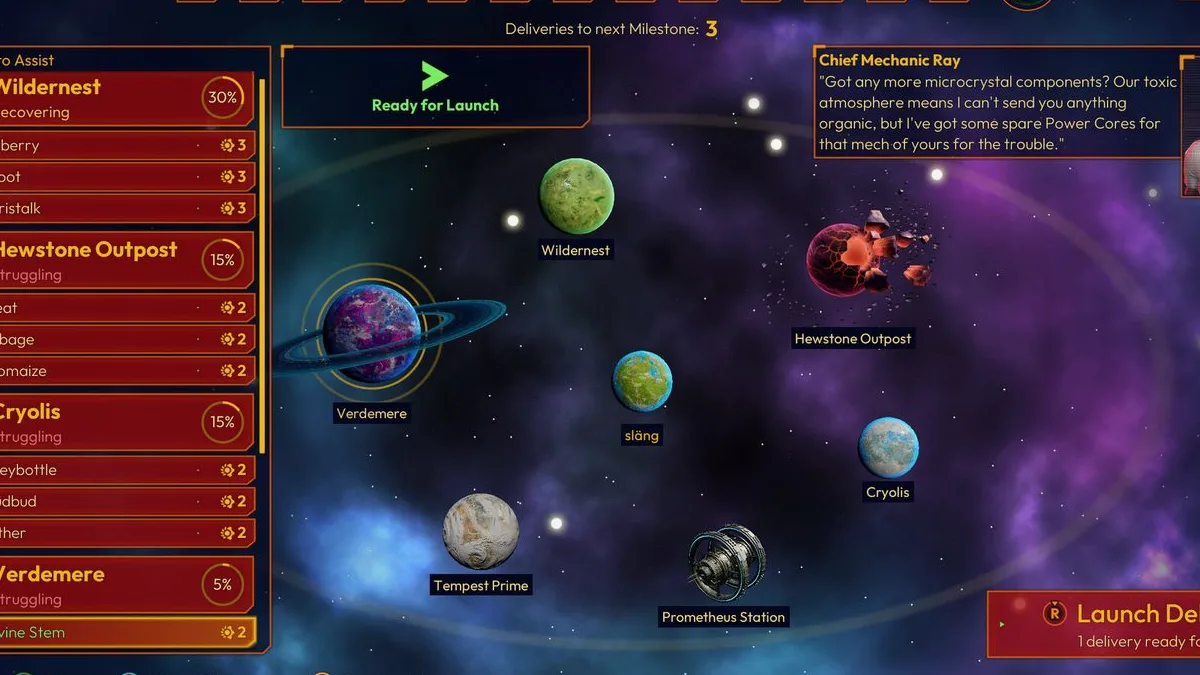
Lightyear Frontier Co-Op: 4-Player Crossplay Explained
How Lightyear Frontier co-op works: four players, online only, Steam and Xbox crossplay, shared progress, host rules and the best way to split the work.
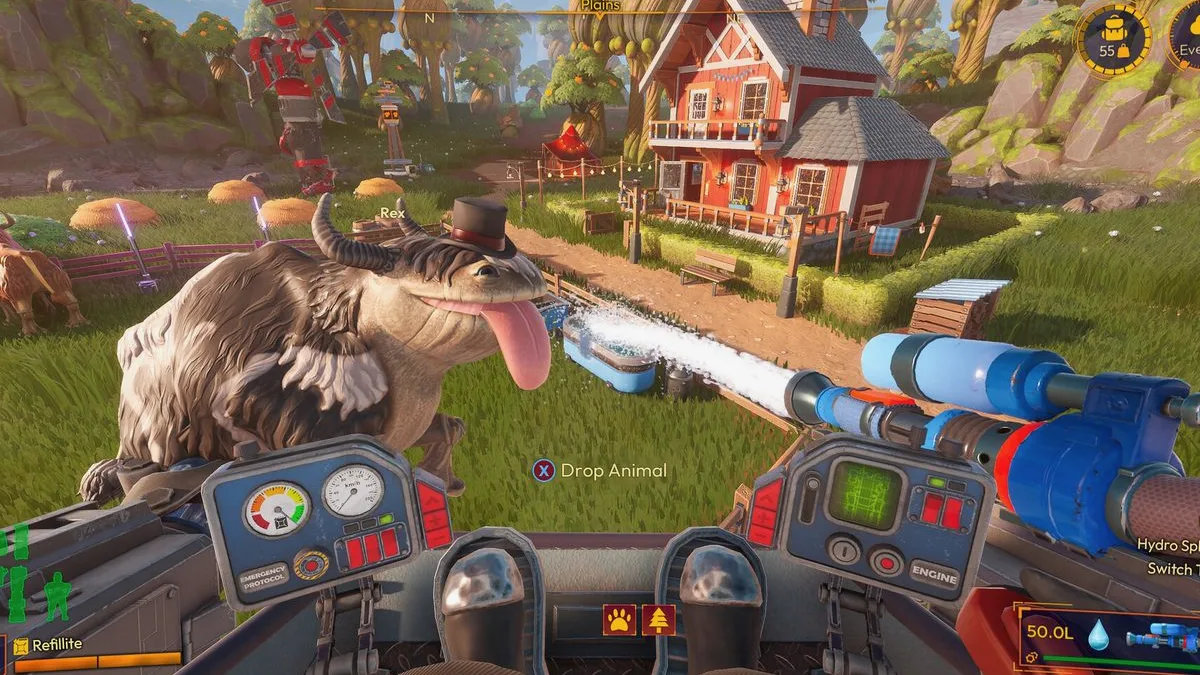
Lightyear Frontier Crop Locations: Where Each Seed Grows
Where to find every Lightyear Frontier crop seed by region, how the Seed Extractor and Seed Splicer work, and what to do when a seed will not unlock.